
How to Check Criminal History in Woodbridge
Begin with the document, not just a person's name. Woodbridge Police keeps the incident and arrest reports created by township officers. Woodbridge Municipal Court keeps local traffic, ordinance, disorderly-persons, and petty-disorderly-persons matters. A custodial booking belongs to Middlesex Adult Corrections, while first- through fourth-degree crimes proceed through the Middlesex Vicinage Criminal Part.
Use a Woodbridge report, ticket, complaint, indictment, or accusation number whenever one is available. Each Woodbridge number identifies a different record stream. Names can help when an identifier is unknown, but common names and spelling variants require confirmation against Woodbridge dates and case details.
- Identify Woodbridge Police as the source only when township officers created the report.
- Request the specific report through the Records Bureau or municipal OPRA custodian.
- Search Woodbridge Municipal Court by ticket or complaint identifiers and request the disposition.
- Check Middlesex custody and Superior Court sources for lodged or indictable matters.
- Use fingerprint-based NJSP Personal Record Request to review your own New Jersey CHRI.
Woodbridge Police Records on the Ground Floor
Woodbridge publishes a concrete instruction that many towns do not: police reports are picked up through the Police Records Bureau on the ground floor of the municipal building. The township's Police Reports instructions are the source for the current procedure.
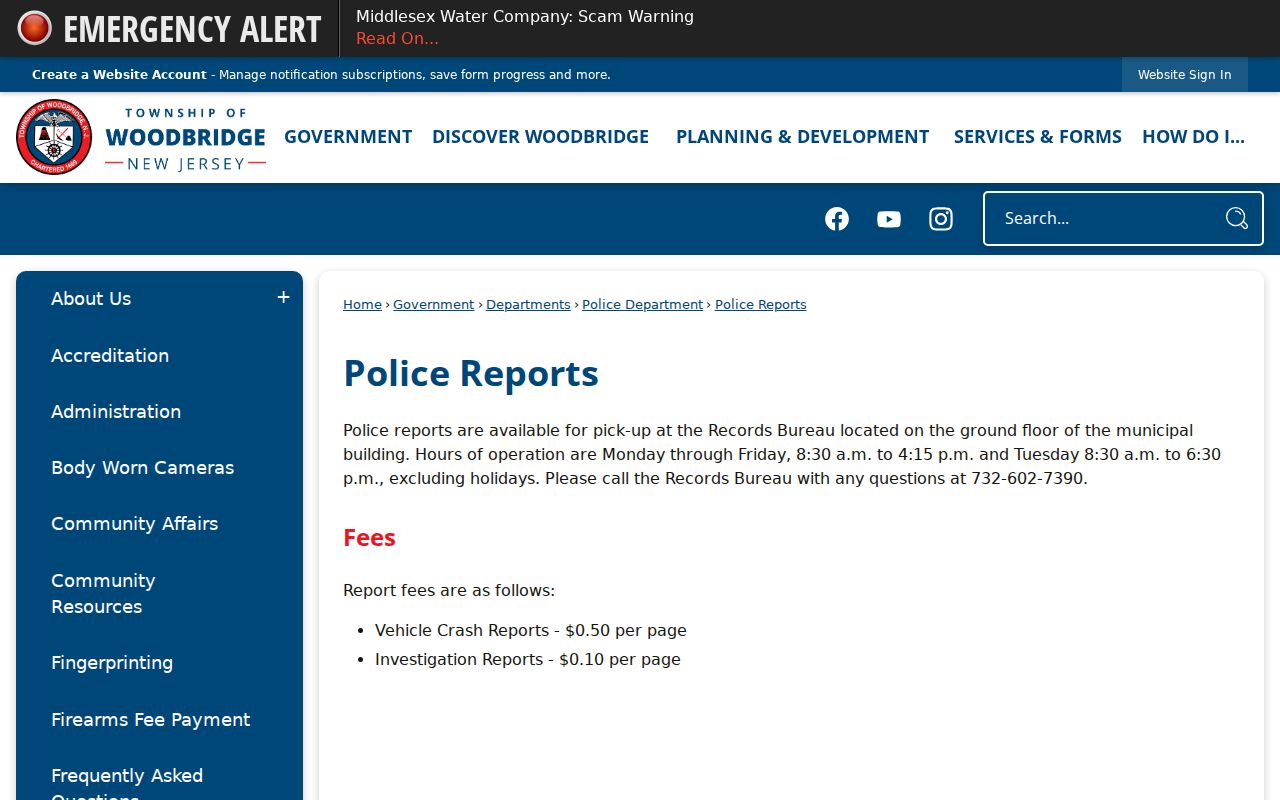
The official screen reinforces the local distinction between asking Woodbridge Police for its report and asking a court for a disposition. Before going to the counter, use the live township page to confirm any current identification, release, fee, or pickup conditions. Redaction review may affect when a report is ready.
A precise Woodbridge request gives the bureau a report number, incident date, exact place, involved person, and desired document type. Active Woodbridge investigations, victims, witnesses, juveniles, medical facts, and security-sensitive content may remain protected even when basic information can be released.
The Woodbridge Police Department
Woodbridge Police creates agency records for incidents and arrests handled by its officers. The Records Bureau is the local channel for report access. The municipal clerk serves as the township's OPRA custodian for municipal government records, but a request for a court file follows the Judiciary route instead. Choosing the holder matters more than selecting a broad label such as “criminal history.”
A Woodbridge incident report can describe an allegation, response, witnesses, and evidence. A Woodbridge arrest record documents custody and charges asserted at that stage. Neither proves guilt. Prosecutor screening can change the charge, and a Woodbridge court disposition can later show dismissal, plea, acquittal, or judgment. Request the signed court record when the outcome is the key fact.
Woodbridge has no verified app-only arrest, warrant, or inmate tool. Use the township's official pages, the county current-inmate lookup, and direct court requests rather than relying on an unofficial list.
The township's highway and commercial corridors add another custody check. An event in Woodbridge can involve township police, State Police, or another public agency depending on the road and response. Use the agency shown on the ticket, complaint, or booking entry. If the responding agency was not Woodbridge Police, send the report request to that agency while using Woodbridge or Middlesex court identifiers for the judicial layer.
Why Woodbridge Indictable Complaints Start with Police
Woodbridge Municipal Court gives a specific local instruction for a person seeking to allege an indictable offense: file a police report first because the Middlesex County Prosecutor requires that report before the complaint. Complaints are accepted at the municipal court Monday through Friday from 9 a.m. to 4 p.m. This process detail explains why a matter may touch both Woodbridge Police and the court from its first stage.
A report is not an indictment. Police document the event, the complaint begins the charging path, and prosecutor screening determines how an indictable allegation proceeds. First- through fourth-degree crimes belong in Superior Court. Disorderly-persons and petty-disorderly-persons cases usually remain in Woodbridge Municipal Court.
For a record search, check both levels when facts suggest that a local complaint moved upward. A municipal no-result does not rule out a Middlesex indictment, and a PROMIS/Gavel no-result does not erase a local ticket or complaint.
The Woodbridge instruction also helps explain document order. The police report comes first for the alleged indictable event. The prosecutor then evaluates the charge, and the Superior Court docket records what is actually filed. Preserve both the Woodbridge report number and the later Middlesex case number. They let the two offices locate their own files without treating the police allegation as the final court result.
Arrests and Bookings in Woodbridge
A Woodbridge custodial arrest can produce a Woodbridge police report, an Adult Correction Center booking, a Woodbridge complaint, a court case, and a fingerprint-linked NJSP entry. Each Woodbridge file is created for a different purpose. The county jail lookup shows current custody, not all historical Woodbridge arrests, and it will not show a summons that never led to lodging.
Booking can include identity checks, a property inventory, photograph, Live Scan fingerprints, medical screening, classification, charge entry, and a release decision. Search the official Middlesex inmate gateway first for current custody. Then request the source report from Woodbridge Police and search the court tied to the complaint. If the person was transferred after sentence, use NJDOC rather than the county jail.
Note: A Woodbridge booking charge may be amended, downgraded, dismissed, or superseded before the final court disposition.
Woodbridge OPRA Record or Court File?
The municipal records custodian and municipal court clerk answer different requests. OPRA covers executive-agency records held by Woodbridge, subject to criminal-investigatory and other exemptions. Court files follow New Jersey Court Rule 1:38 and Judiciary request procedures. Sending a police report request to the court, or a disposition request to the clerk acting as OPRA custodian, can slow the search.
| Question | Woodbridge route | Record obtained |
|---|---|---|
| What did police record? | Police Records Bureau | Releasable incident or arrest report |
| What happened in municipal court? | Municipal Court clerk | Docket, disposition, or certification |
| Was the case indicted? | Middlesex Criminal Records Room | Superior Court criminal file |
A court outcome may be public while the police investigation is still partly withheld. The different result is not a contradiction. It reflects separate legal rules and separate documents.
Woodbridge Police may redact witnesses and active leads while Woodbridge Municipal Court releases a public disposition. The clerk can certify the judicial outcome but cannot certify what the police investigation contains. The police custodian can review its agency file but cannot issue the court's exemplified result. State the document type in the first line of the request so it reaches the right Woodbridge office.
Woodbridge Municipal Court Records
Woodbridge Municipal Court hears traffic, ordinance, disorderly-persons, and petty-disorderly-persons matters. Search the NJ Courts Municipal Court Case Search with the ticket number or court ID, prefix, year, and complaint number. A name or driver's-license route may be available, but exact docket identifiers are safer.
The Woodbridge court says outcomes are public and provides a direct method for obtaining an exemplified certificate of disposition. Use that Woodbridge court record when an official statement of the Woodbridge result is needed. The request form asks for enough information to locate the Woodbridge case and identify the copy or certification sought.
| Court Name | Woodbridge Municipal Court |
|---|---|
| Case Types Heard | Traffic, ordinance, DP, and PDP matters |
| Case Lookup Channel | Municipal Court Case Search and the court records request process |
| What the Docket Shows | Ticket or complaint identifiers, public events, charge, and outcome |
| Copies & Fees | Copy or certification type controls the current Judiciary fee |
Woodbridge Exemplified Disposition Records
The township's exemplified disposition instructions tell a requester to complete the State Judiciary Records Request Form and bring it to Municipal Court.
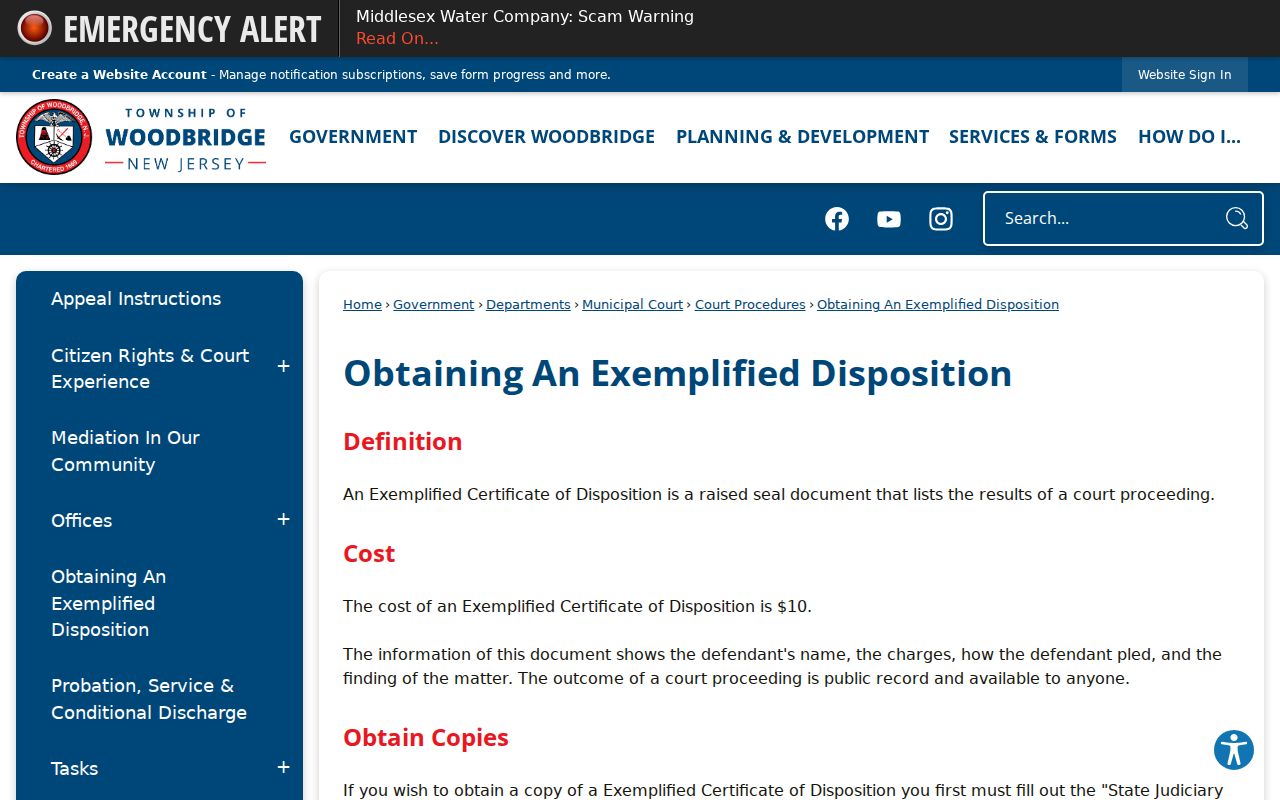
The captured instructions show why the request form is more useful than a vague name inquiry. It asks for the request date and contact information, case, docket, or ticket number, defendant information when that number is unknown, document and certification type, delivery details, and signature. Fees depend on the copy or certification selected.
If no docket number is known, supply the defendant details the form requests and a useful date range. Then read the returned disposition count by count. Dismissal of one count does not decide all counts, and an arrest label is not a substitute for the court's final result.
Where Woodbridge Records End Up
Woodbridge Police retains its incident and arrest report. Middlesex Adult Corrections creates custody records if lodging occurs. The municipal court or Superior Court creates the case file, and judicial dispositions feed the state criminal-history process. Timing and identifiers can cause these sources to differ for a time.
Record flow: Woodbridge PD › Middlesex County Courts › New Jersey State Police (NJSP), Identification & Information Technology Section, State Bureau of Identification (SBI)
NJSP uses fingerprint-supported identity to build or update New Jersey CHRI and transmits biometric data to FBI systems as authorized. PROMIS/Gavel remains a public Superior Court information view, not a full repository report. Use the state Personal Record Request through IdentoGO to inspect your own fingerprint-based New Jersey history.
Woodbridge Records at the Municipal Building
The Woodbridge Township homepage supplies the municipal imagery associated with the township offices at 1 Main Street.
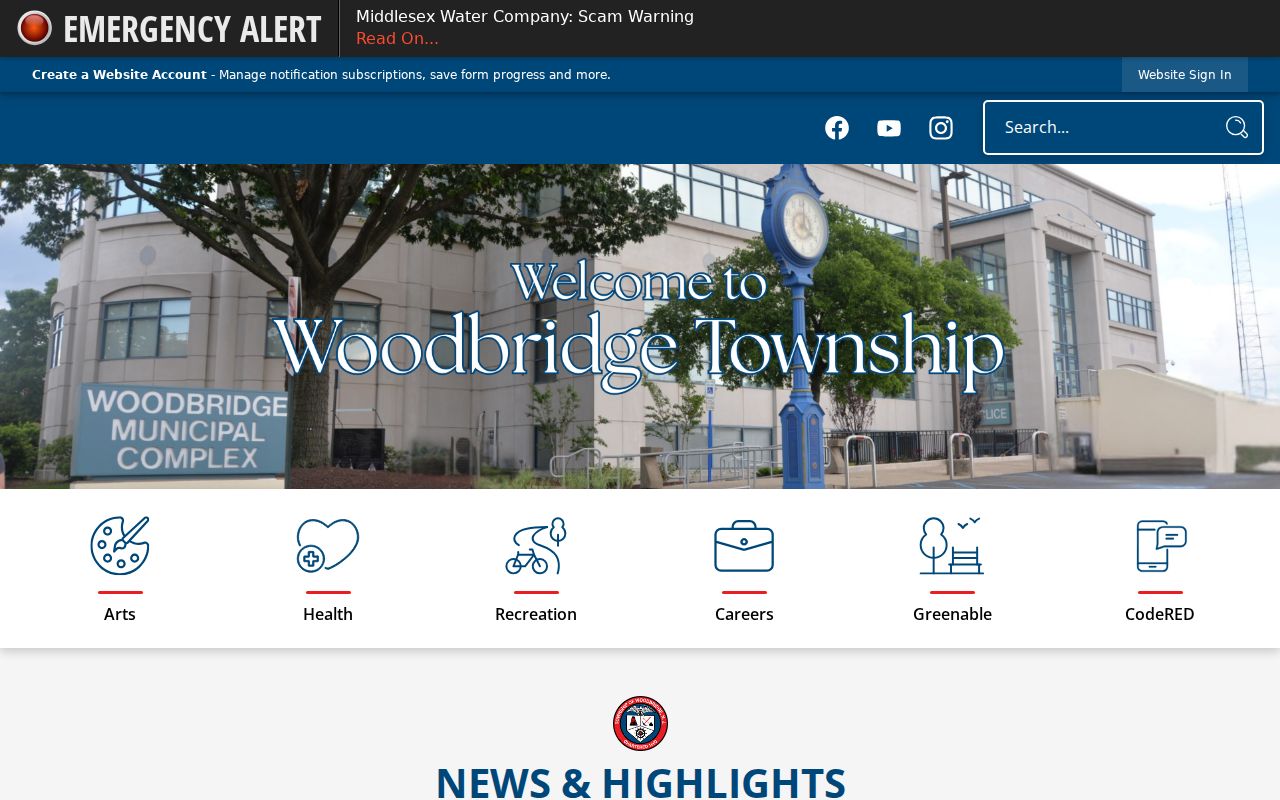
The image connects two local access paths housed around the same municipal center: police report pickup through the ground-floor Records Bureau and municipal court requests through the proper court office. Their proximity does not merge their files or access laws.
Confirm live counter hours and procedures before visiting. A police report may require release review, while an exemplified disposition requires the Judiciary request form and the right certification selection. Bringing the report, ticket, complaint, or docket number helps each office locate the correct Woodbridge record.
Correcting Woodbridge Criminal Records
A court-file error and an NJSP CHRI error require separate action. Ask the Woodbridge Municipal Court or Middlesex Superior Court clerk to correct the judicial record it maintains. Obtain a certified disposition when it supports the correct result. Then use the NJSP Criminal Information Unit challenge route if the fingerprint-supported state entry remains wrong or incomplete.
Do not assume a dismissal automatically removes every public agency record. Expungement is the statutory process for qualifying records, while correction addresses inaccurate data. Preserve the signed order or certified disposition and follow up with the custodian that still shows the disputed Woodbridge information.
The same source separation applies after expungement. Woodbridge Police, the municipal court, county corrections, the prosecutor, and NJSP can each hold part of the record chain. A signed order directs implementation under New Jersey law, but portal changes may not appear at the same moment. Keep the final order and contact the specific custodian if qualifying Woodbridge data remains visible after reasonable processing time.
Public Access Rules
Woodbridge police and township records are governed by OPRA, subject to investigatory, privacy, juvenile, victim, and other protections. Municipal and Superior Court records follow Court Rule 1:38. NJSP dissemination rules do not provide the general public with an unrestricted name search for another person's complete rap sheet.
Key Statutes:
New Jersey Open Public Records Act, N.J.S.A. 47:1A-1 et seq. governs Woodbridge executive-agency requests while preserving statutory exemptions.
New Jersey Court Rule 1:38 controls public access, exclusions, and redaction for court records.
N.J.S.A. 53:1-20.6 and N.J.A.C. 13:59 govern NJSP noncriminal-justice CHRI dissemination.
Use a public record to understand what an official office recorded, not as proof beyond the record's stated stage. Confirm a consequential Woodbridge result with the originating office.